Beats Solo Buds | Color" Purple & Red
Product description

Reviews

Frequently Asked Questions
How to reset the volume on your Beats Solo Buds?
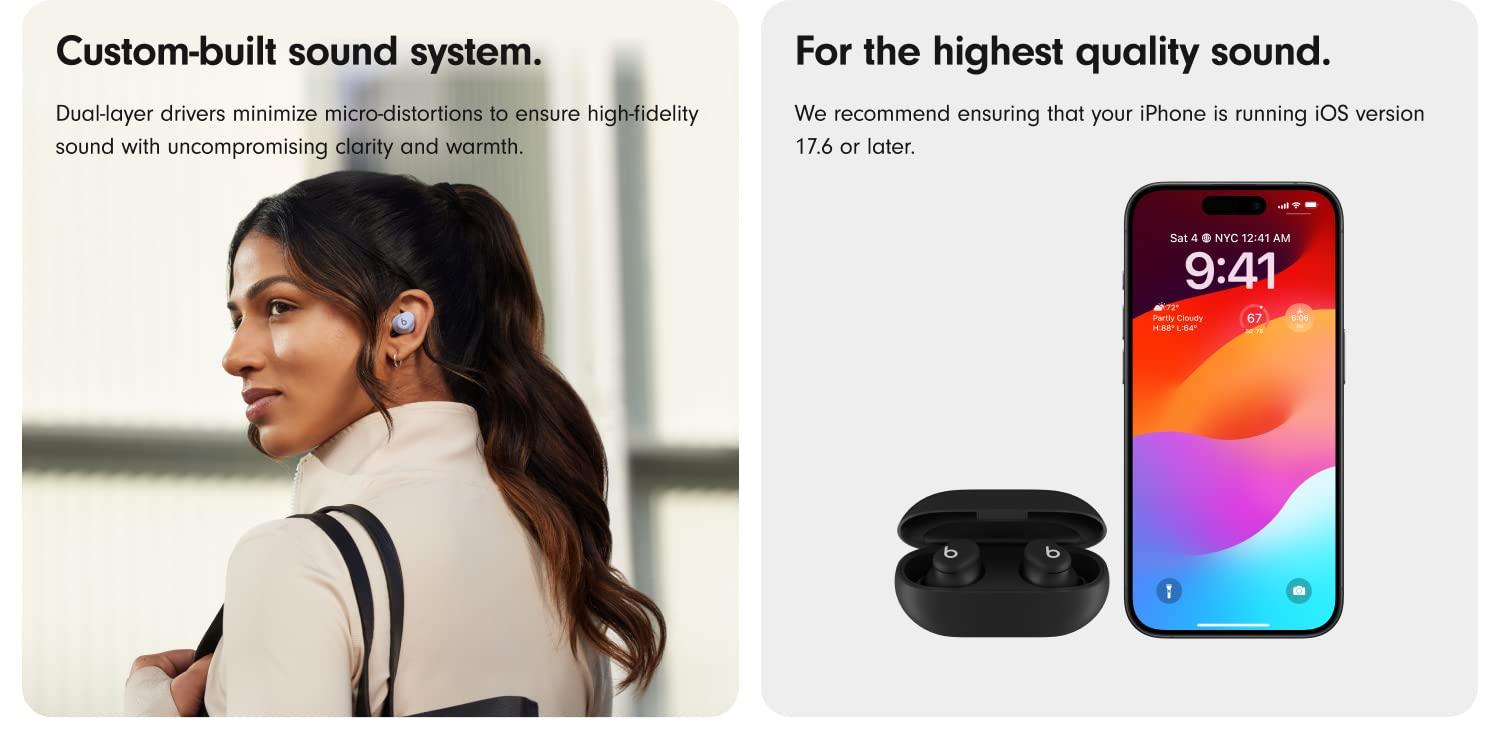
We recommend ensuring that your iPhone is running on iOS version 17.6 or later.
If you are experiencing low volume when listening to Solo Buds while connected to your iPhone, simply try seating both earbuds in their case for at least two minutes. Doing so should resolve any issues with volume control. This step may need to be repeated if the issue is not addressed at first.
How do I out-of-the-box pair my Solo Buds with my iPhone?
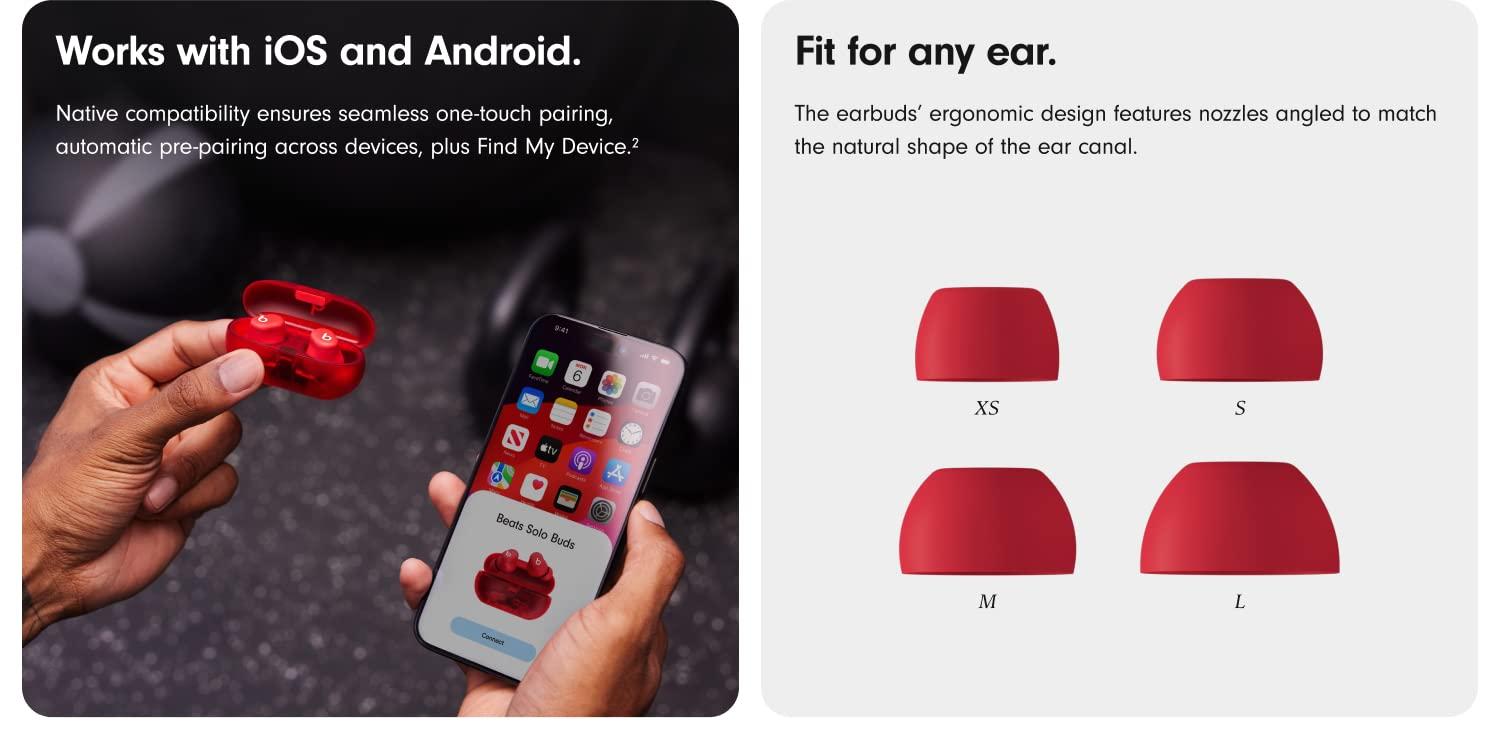
To pair on an iPhone running the latest iOS, first make sure both earbuds are properly seated in their case. Open the lid of the case near your iPhone until you see a pairing prompt on your phone, then tap to pair. An audio cue will play when your Beats are ready to pair. Or, go to the Bluetooth menu and select “Beats Solo Buds”.
How do I pair with my Android device?
To pair using Google Fast Pair, a one-touch pairing on-screen prompt will appear on your Android device. For older Android devices or to pair manually, use the Beats app or pair in the Bluetooth menu by selecting “Beats Solo Buds”. To download the Beats app, visit the Google Play store or download from beatsbydre.com.
To resolve pairing issues, please ensure that your compatible device is running the latest operating system software available. For Beats App for Android users, download the latest version of the Beats App (2.9 or later).
How do I pair with additional Bluetooth devices?
To pair to additional devices, press and hold the ‘b’ button on either the left or right earbud with the earbuds seated in the case to initiate pairing mode. An audio cue will play when your Beats are ready for pairing. Or, go to the Bluetooth menu and select “Beats Solo Buds”.
Do they have noise-canceling?
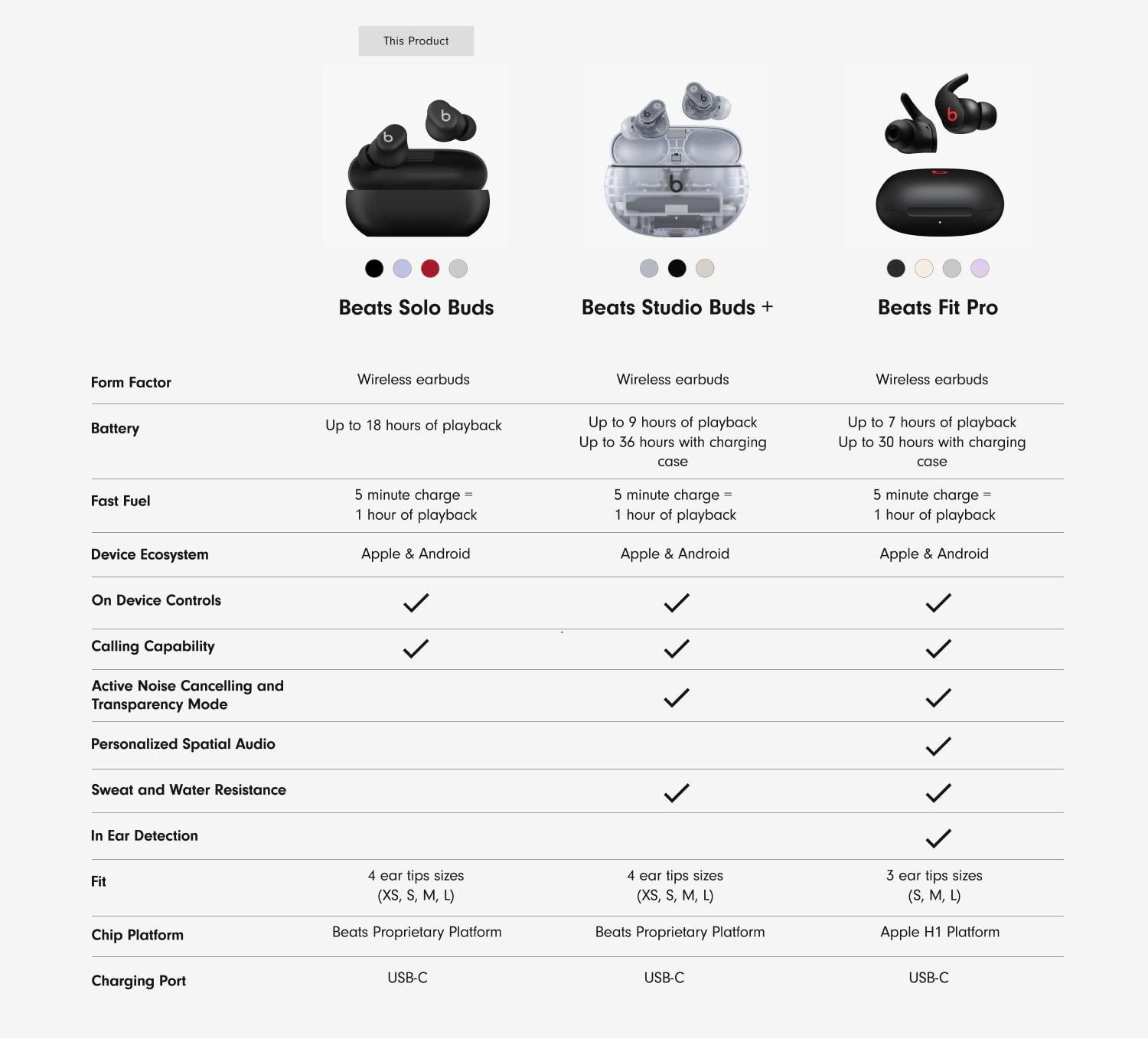
No, Beats Solo Buds do not feature Active Noise Cancelling (ANC). Beats Studio Buds+ offers both ANC and Transparency mode in a similar design.
How do you charge them?
To charge your Beats Solo Buds, place them in the case and connect your case to a power source using a USB-C charging cable. (Note: The USB-C cable and power adapter are sold separately.) An audio cue will play when the cable is connected to confirm that your Solo Buds are charging. To check the charging status, open the lid of the case near your phone. A pop-up will appear on your phone to indicate the current battery state.
How do you turn them on and off?
Beats Solo Buds automatically power on when removed from the case and power off when placed back in the case with the lid closed.
Can I control music from my earbuds?
Yes, Beats Solo Buds feature controls built into both earbuds. Use the ‘b’ button to control playback—one press to play or pause, two presses to skip ahead, or three presses to go back. Change the press-and-hold settings on your iOS or Android device running the Beats app to convert the ‘b’ buttons into volume controls. (Note: this setting replaces “Voice Assistant”.) Press and hold on one earbud to ramp the volume down and the other earbud to ramp the volume up.
How do I improve the comfort, stability, and sound quality of my Beats Solo Buds?
The earbuds’ ergonomic design features nozzles angled to match the natural shape of the ear canal. Beats Solo Buds come with four ear tip sizes — XS, S, M, and L. Medium ear tips come attached to the product. To select the correct ear tip, gently insert the earbud into your ear with ear tip affixed. You can adjust the fit of the earbud until it feels secure. Choose the most comfortable pair that provides the best sound experience for you.
Do my earbuds have a microphone?
Each earbud is equipped with a custom-designed microphone powered by an advanced noise-learning algorithm to help deliver exceptional call quality. Enjoy extended range with fewer dropouts thanks to industry-leading Class 1 Bluetooth connectivity.
Can I control calls from my earbuds?
Yes, Beats Solo Buds feature controls built into both earbuds. Use the ‘b’ button to answer or decline incoming calls—one press to answer, two presses to decline. While on a call, one press will mute and unmute, and two presses will end the call.
How do I activate Siri or other voice assistants?
Press and hold the ‘b’ button to activate your voice assistant on your iOS or Android device.
How long does the battery last?
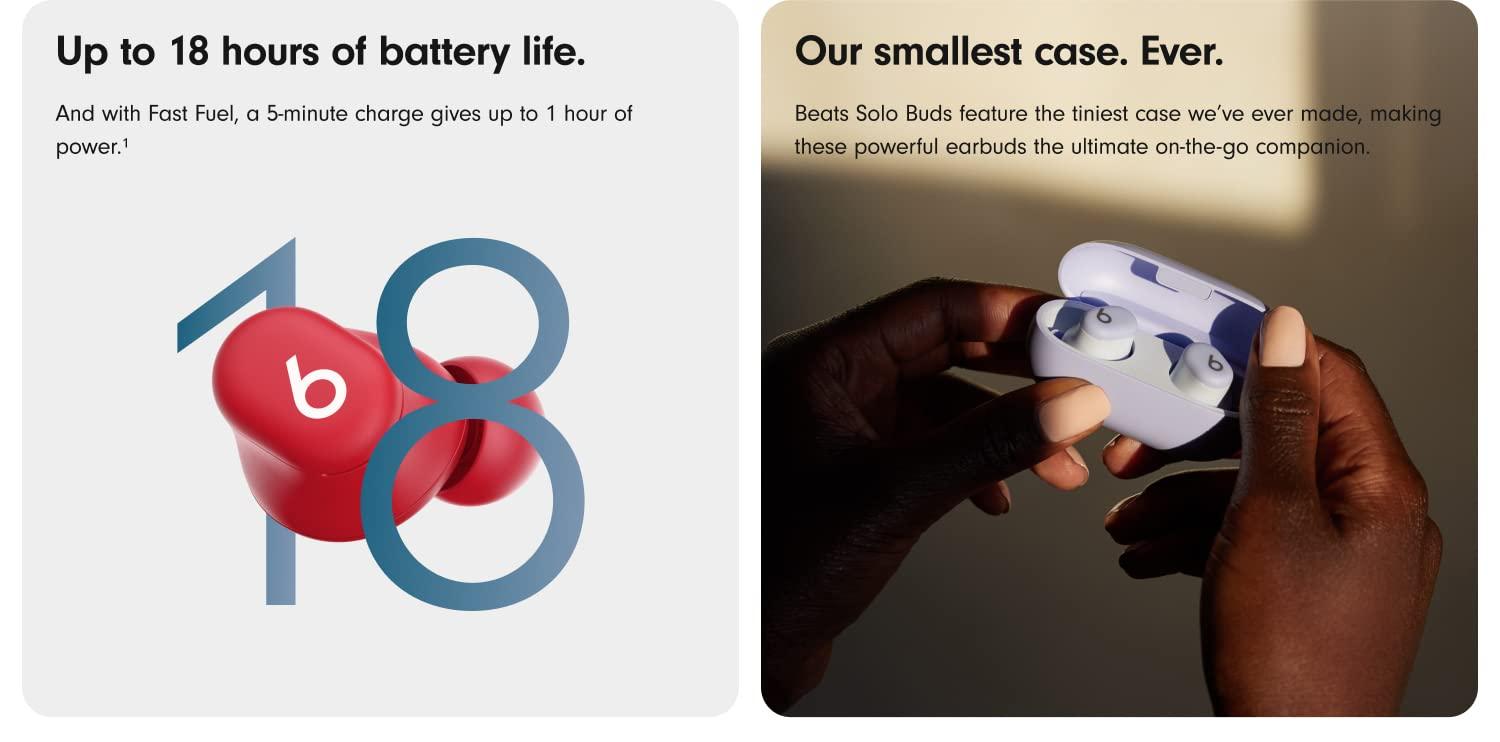
Beats Solo Buds has up to 18 hours of battery life. If you’re low on power, Fast Fuel means a 5-minute charge gives up to 1 hour of playback.
How do I keep my product up to date?
Software updates will occasionally be made available to enable new features or improve the product experience. These “silent” updates are automatically enabled when connected to an Apple device. To stay up to date on an Android device, download the Beats app from Google Play.